
Start from the approved IO List.
Import SDI points, bind them to one live IED, require OFF → ON → OFF evidence, and export Excel, native PDF or a portable .arsas project.
Search troubleshooting guides by symptom, service, object or error. For a planned SDI campaign, open the dedicated IO List FAT evidence guide. Filtering is performed locally and search text is not sent to a server or analytics event.
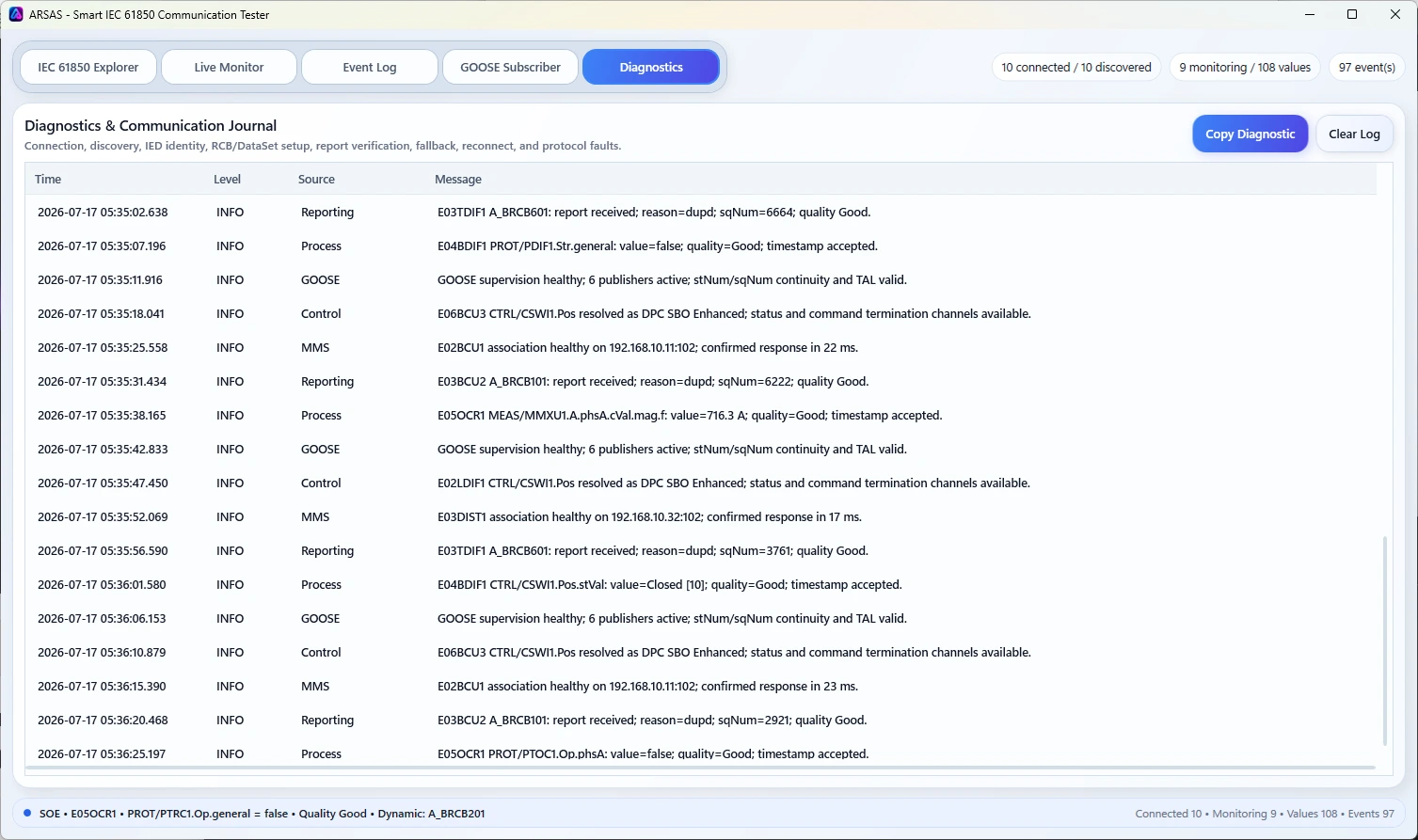
Separate association, MMS service, report, sequence, frame, IO-test continuity and IED-behavior evidence before changing configuration.
Import SDI points, bind them to one live IED, require OFF → ON → OFF evidence, and export Excel, native PDF or a portable .arsas project.
Use the filter below for connection, reporting, GOOSE, file, SCL and control problems without forcing an unrelated configuration change.
Each technical guide gives an immediate answer, common causes, a bounded diagnostic path, ARSAS evidence and a clear engineering limitation.
Connection works, but BRCB or URCB values never arrive.
Open guideChoose and diagnose buffered versus unbuffered reporting.
Open guideUnderstand ownership, reservation and safe next checks.
Open guideExplain why a report control block exists but carries no useful members.
Open guideSeparate routing, firewall, endpoint and application-layer causes.
Open guideDiagnose MMS file-service discovery and disturbance-record retrieval.
Open guideInterpret state changes, retransmission and sequence anomalies.
Open guideCompare parser failure, configured intent and live IED evidence.
Open guideKnow when configured files and the running relay disagree.
Open guideDistinguish direct operation from Select-Before-Operate.
Open guideRead negative completion evidence after a control request.
Open guideInstaller and portable packages share the same application scope. Verify the published SHA-256 and review the release boundary before field use.
Release notes, limitations and signing status →