
Test the path in layers.
Confirm local interface and subnet, route to the IED, TCP reachability on port 102, then inspect the MMS association response. Stop changing SCL files until the transport path is proven.
A ping response does not prove the IEC 61850 server is reachable, and an open TCP socket does not prove the MMS association will succeed.
Confirm local interface and subnet, route to the IED, TCP reachability on port 102, then inspect the MMS association response. Stop changing SCL files until the transport path is proven.
Changing multiple network and application settings at once destroys useful evidence. Record the selected interface, local address, target address, port and exact failure stage.
Confirm IP address, subnet mask, gateway assumptions and that the selected relay or simulator is the intended device.
Disable accidental Wi-Fi or VPN routing paths only within the approved test procedure and bind to the correct engineering NIC.
Distinguish timeout, refusal and immediate close. Each points to a different network or service state.
If TCP succeeds, retain the MMS or presentation-layer rejection instead of reporting only “connection failed.”
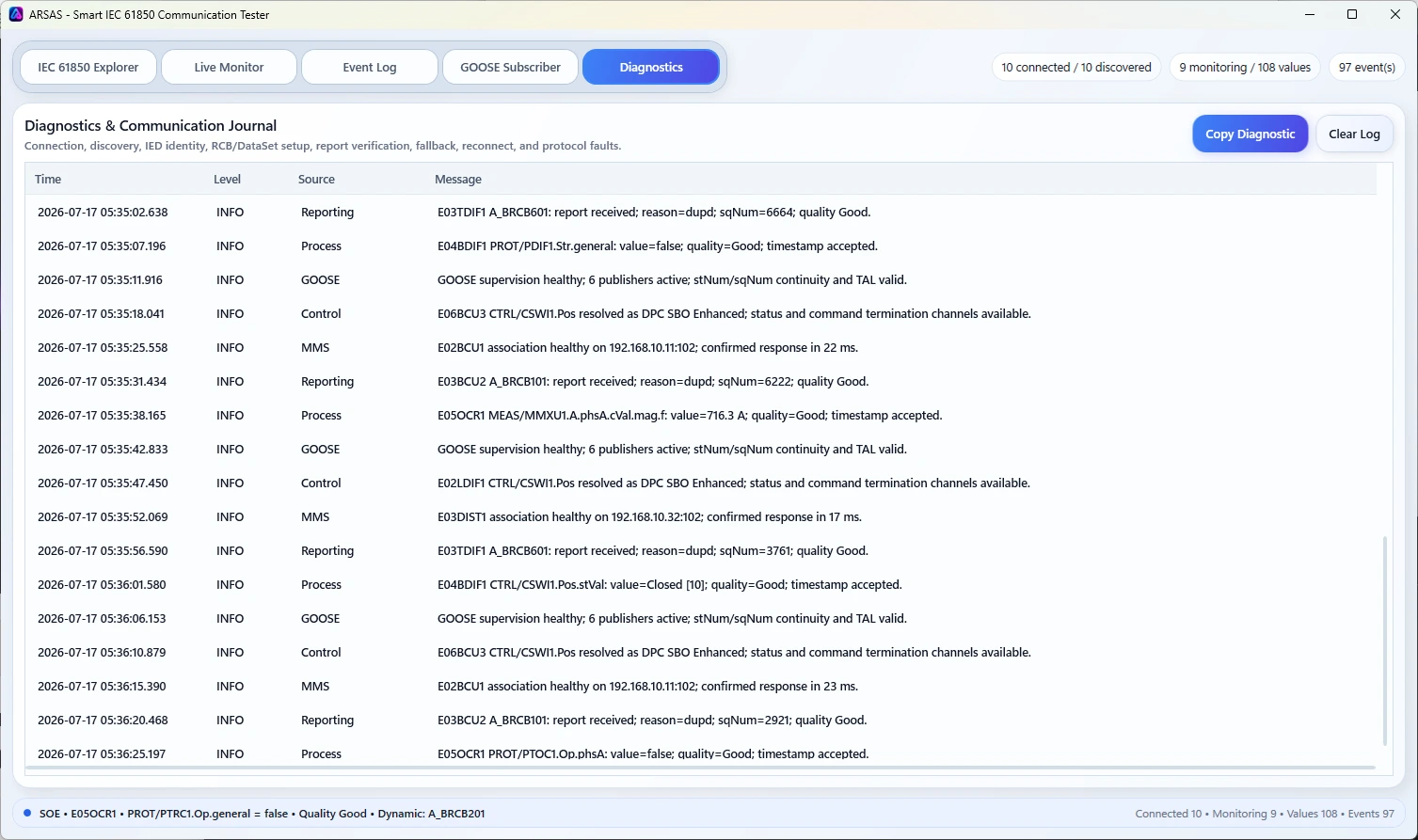
ARSAS diagnostics help distinguish endpoint, association, service and device behavior inside the originating IED session.
Use the MMS Client workflow and compare live evidence with the configured SCL context.
ARSAS can expose live model, report, GOOSE, file, control and diagnostic evidence. Final conclusions still depend on the approved project design, vendor documentation, test procedure, network access and independent verification.
Reviewed 20 July 2026 for practical IEC 61850 laboratory, FAT, SAT, commissioning and troubleshooting use.
Installer and portable packages share the same application scope. Verify the published SHA-256 and review the release boundary before field use.
Release notes, limitations and signing status →