
Identify the available source
Start from the approved IED IP address, the available CID/ICD/IID/SCD, or both. Preserve the original file and record the intended receiving system.
Compare what the project says should exist with what the IED actually exposes. ARSAS keeps live-model, SCL, DataSet, RCB, reporting and GOOSE observations visible so integration mismatches can be isolated before either system is changed.
Interoperability failures usually sit between three sources: the IED that is online, the engineering file that describes intended configuration, and the proprietary expectations of the receiving SAS or gateway.
Start from the approved IED IP address, the available CID/ICD/IID/SCD, or both. Preserve the original file and record the intended receiving system.
Inspect physical identity, full MMS domains, hierarchy, DataSets, RCBs, type information and service behavior actually exposed by the device.
Create IID or ICD from complete live discovery, or convert the opened source into a generic single-IED output while retaining findings and provenance.
Check RCB names, availability, DataSet membership, trigger options, APPID, VLAN, addresses, references, sequence behavior and ordered payload.
Import the bounded output, retain exact errors, and separate schema, identity, reference, reporting and proprietary importer problems before making changes.
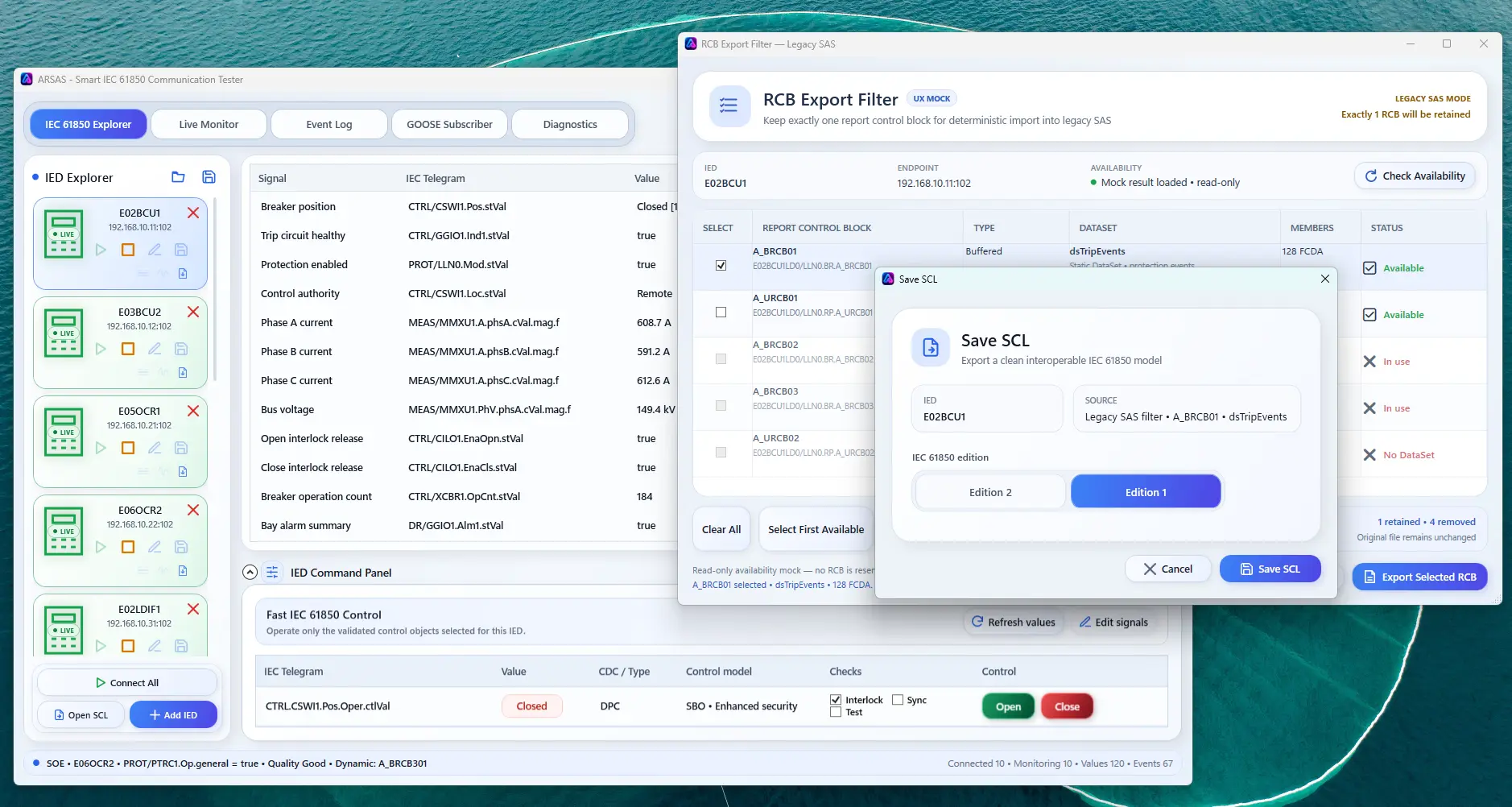
Audit live availability, choose the intended reporting path and preserve exact RCB identity plus verified DataSet evidence before exporting the integration baseline.
A successful connection, generation or import does not prove full IEC 61850 conformance, interoperability with every vendor, project correctness or acceptance by another proprietary tool. Final FAT/SAT engineering validation remains required.
Installer and portable packages share the same application scope. Verify the published SHA-256 and review the release boundary before field use.
Release notes, limitations and signing status →