Open source · Windows · .NET 8

IEC 61850 engineering
without the setup maze.

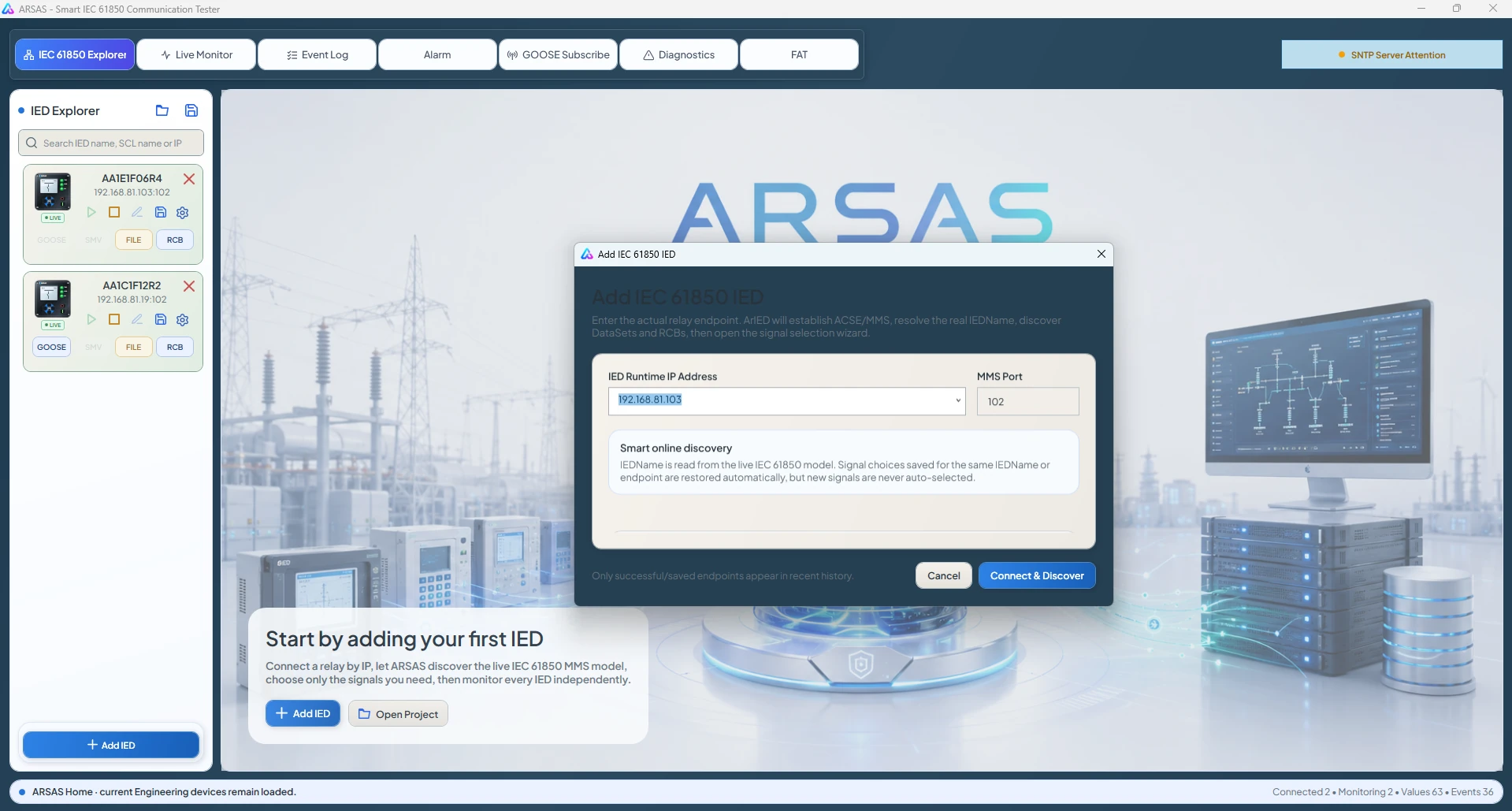
Enter an IED address, discover the live MMS model, select the signals, and begin testing. ARSAS handles reporting complexity with configured BRCB or URCB coverage, dynamic recovery where permitted, and bounded polling when reporting cannot be used.

Live values without manual RCB setupIndependent multi-IED sessionsVisible acquisition evidence
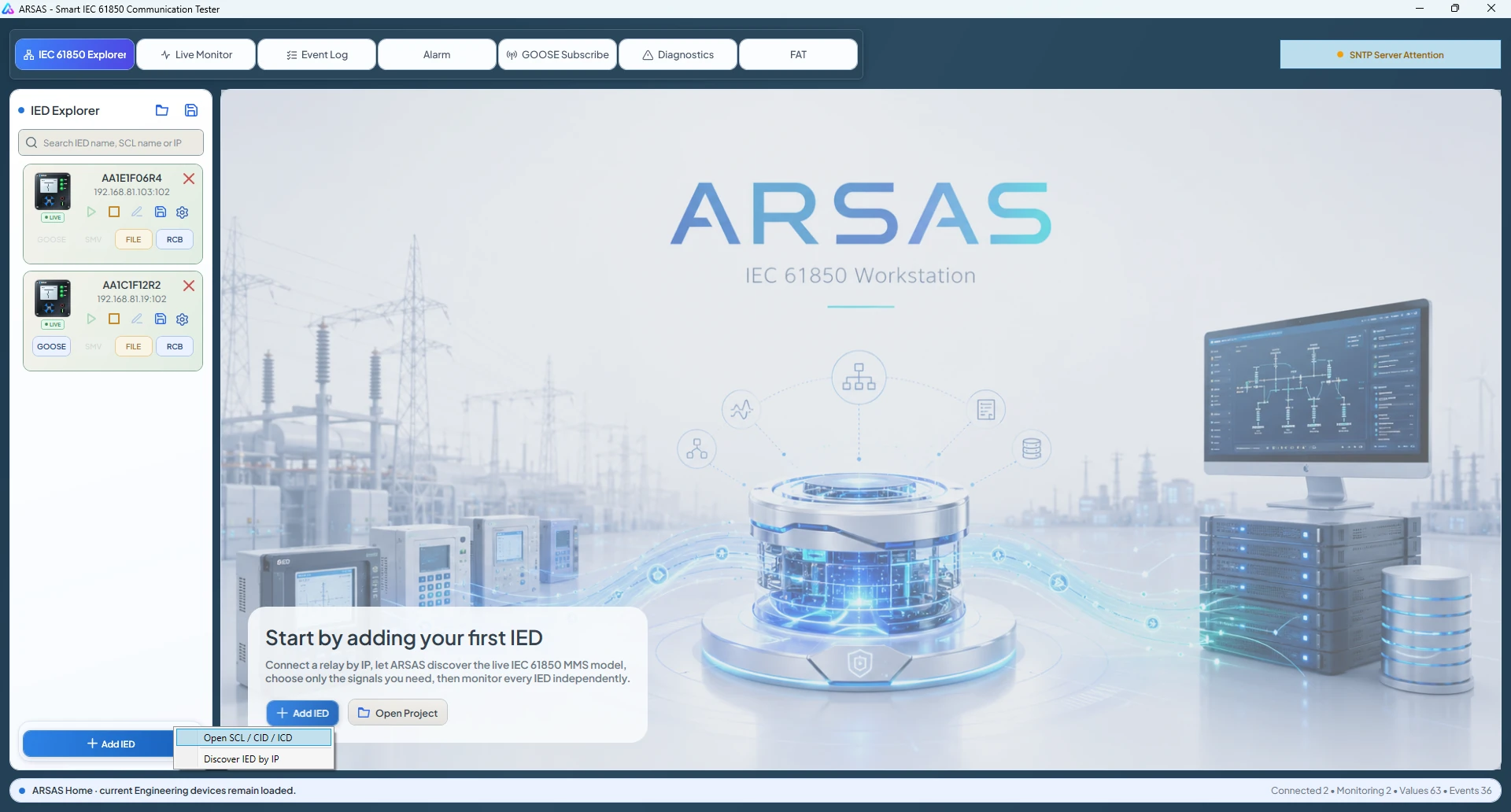
ARSAS IEC 61850 engineering workstation at first launch
Static → dynamic → polling
Immediate live values
Smart ReportingBRCB · URCB · dynamic DataSet · polling
Multi-IEDIndependent sessions, monitoring, events, and diagnostics
GOOSE + FilesStream supervision and fault-record retrieval
SCL + ControlConfigured context and typed command evidence
Smart Reporting

Select the signals. ARSAS handles the acquisition path.

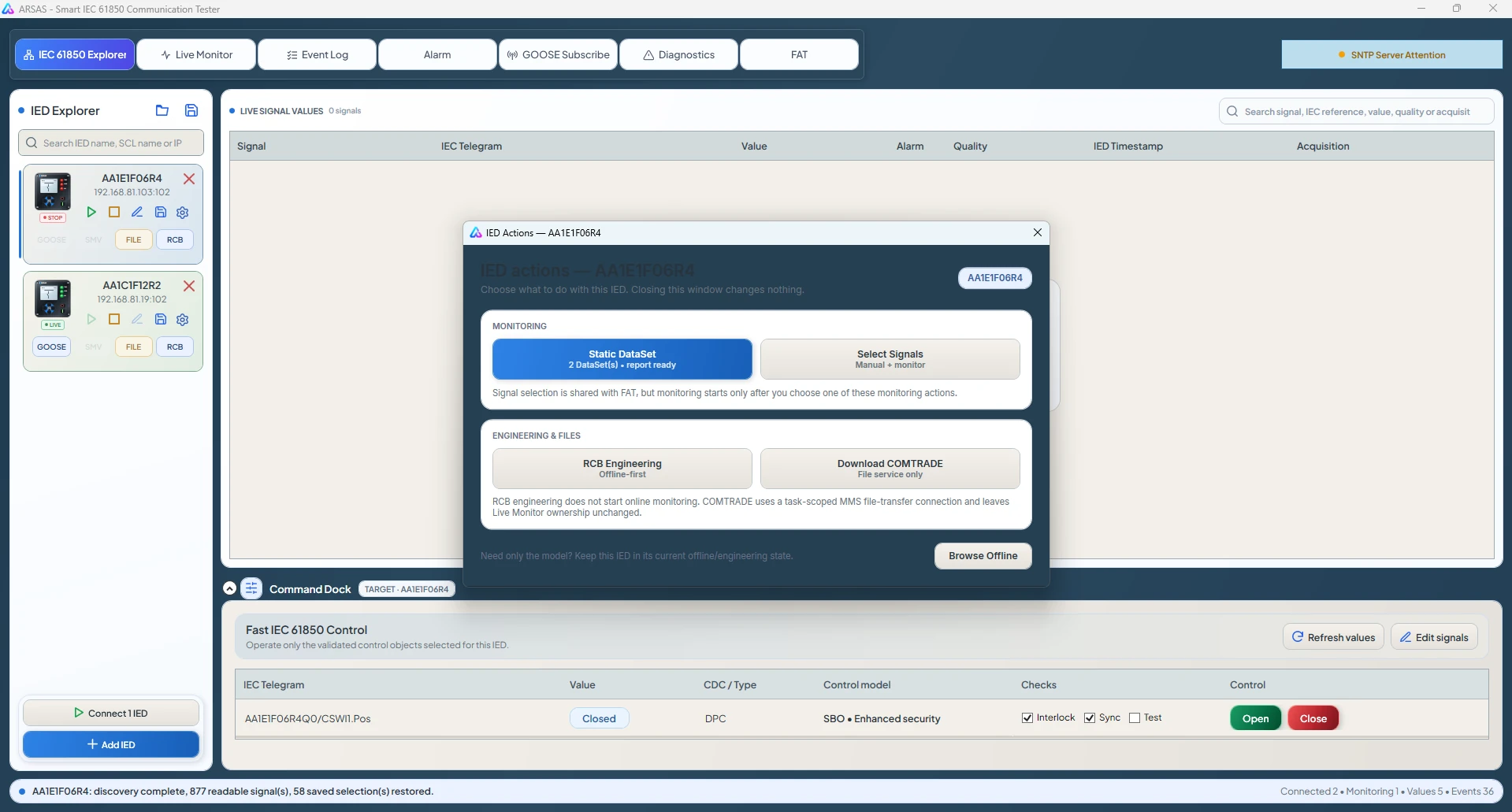
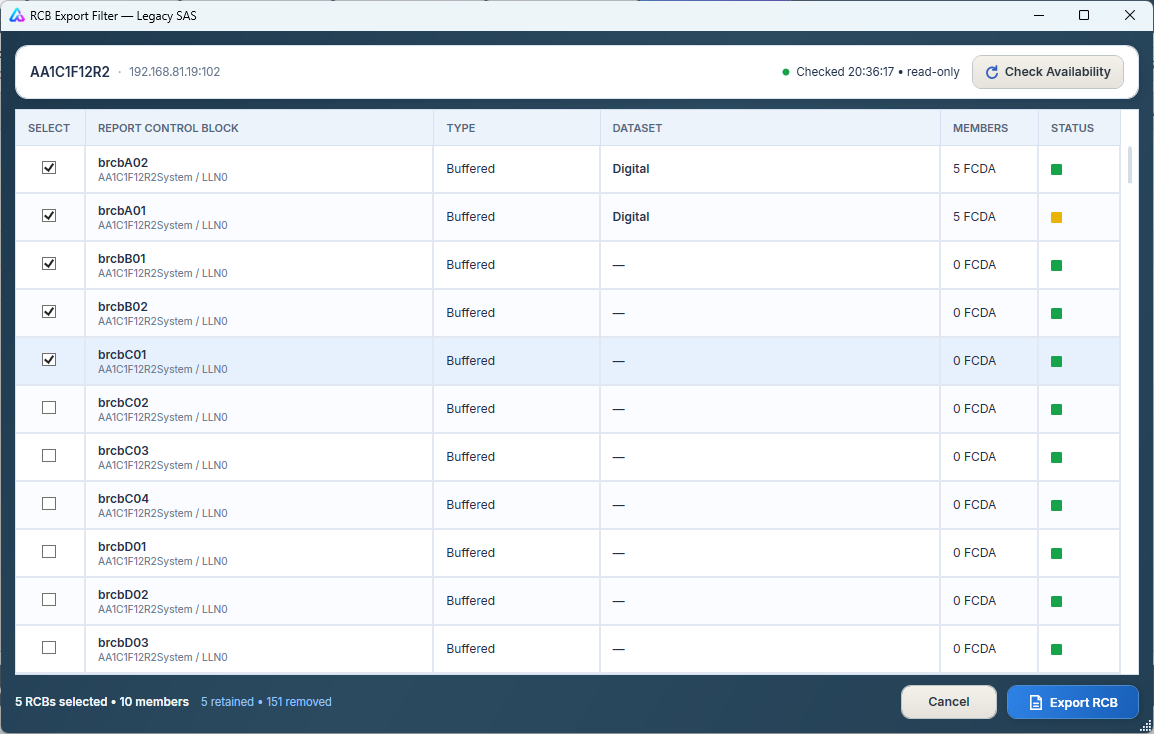
DataSet, BRCB, URCB, reservation, GI, and fallback behavior are verified in the background instead of becoming a manual prerequisite before the engineer can see useful values.

01
Immediate MMS image

Selected values begin reading while report setup is evaluated.

02
Configured reports first

Existing BRCBs, URCBs, and DataSets are discovered and checked for exact coverage.

03
Recover exact gaps

A temporary DataSet can be used with a suitable available RCB when writes are permitted.

04
Polling safety net

Only uncovered, rejected, unverified, or degraded points remain in bounded polling.

No report dead end.Empty DataSet, no usable RCB, or rejected write does not block the live-value workflow.Explore Smart Reporting →
Why it matters

Replace days of fragmented preparation with one traceable workflow.

ARSAS is designed for FAT, SAT, commissioning, troubleshooting, research, and controlled laboratory testing where reaching trustworthy evidence matters more than operating several disconnected utilities.

Traditional setup

Communication testing starts with tool configuration.

  • Prepare or repair engineering files
  • Map signals across separate tools
  • Create or update DataSets and RCBs
  • Diagnose why values are still unavailable
  • Rebuild context for every IED
ARSAS workflow

Communication testing starts from the IED.

  • Enter an endpoint or open SCL
  • Discover the live model
  • Select the required signals
  • Observe values, quality, time, events, and source
  • Keep every result attached to its IED session
Real application evidence

See the product—not a marketing mockup.

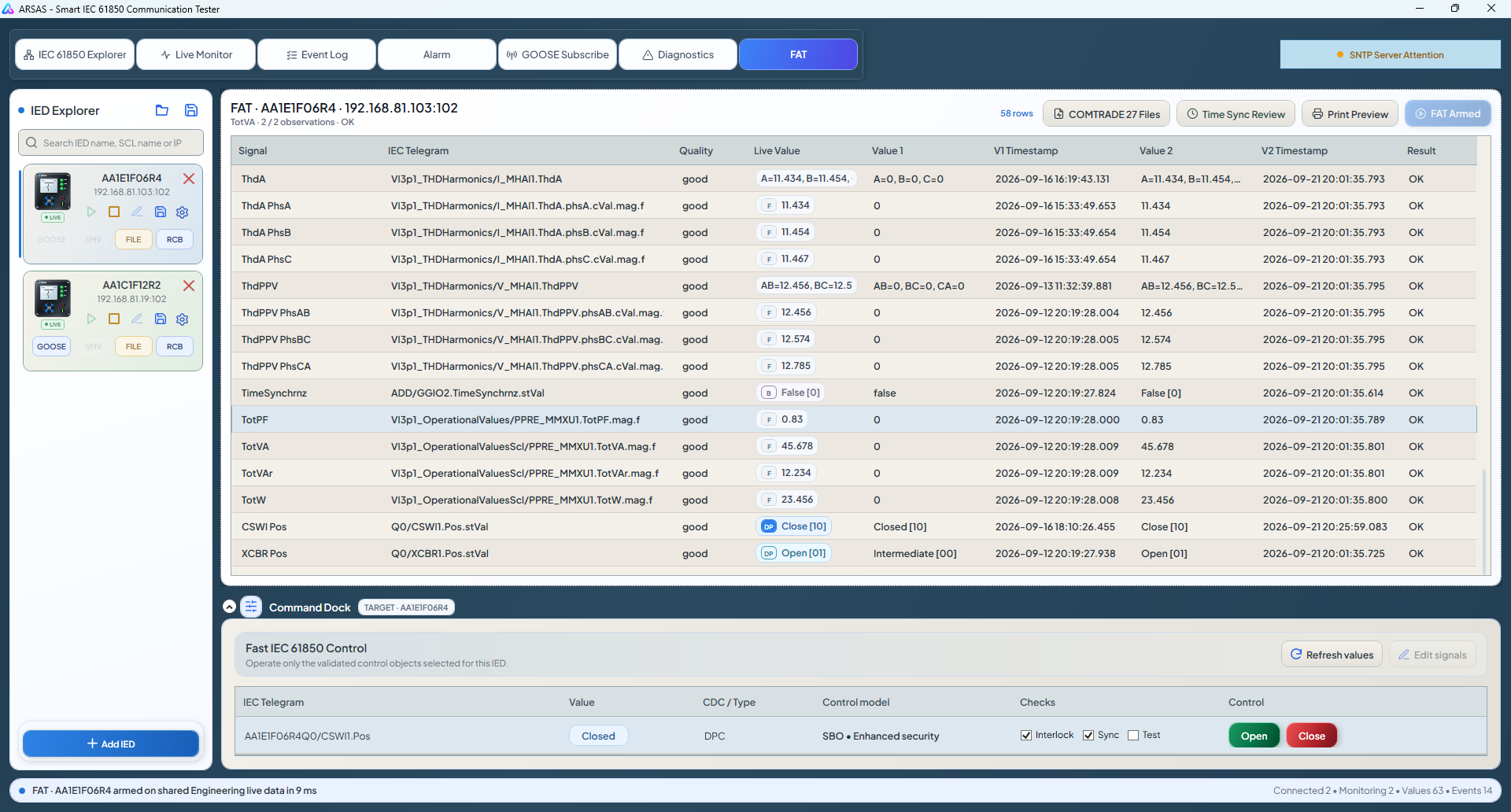
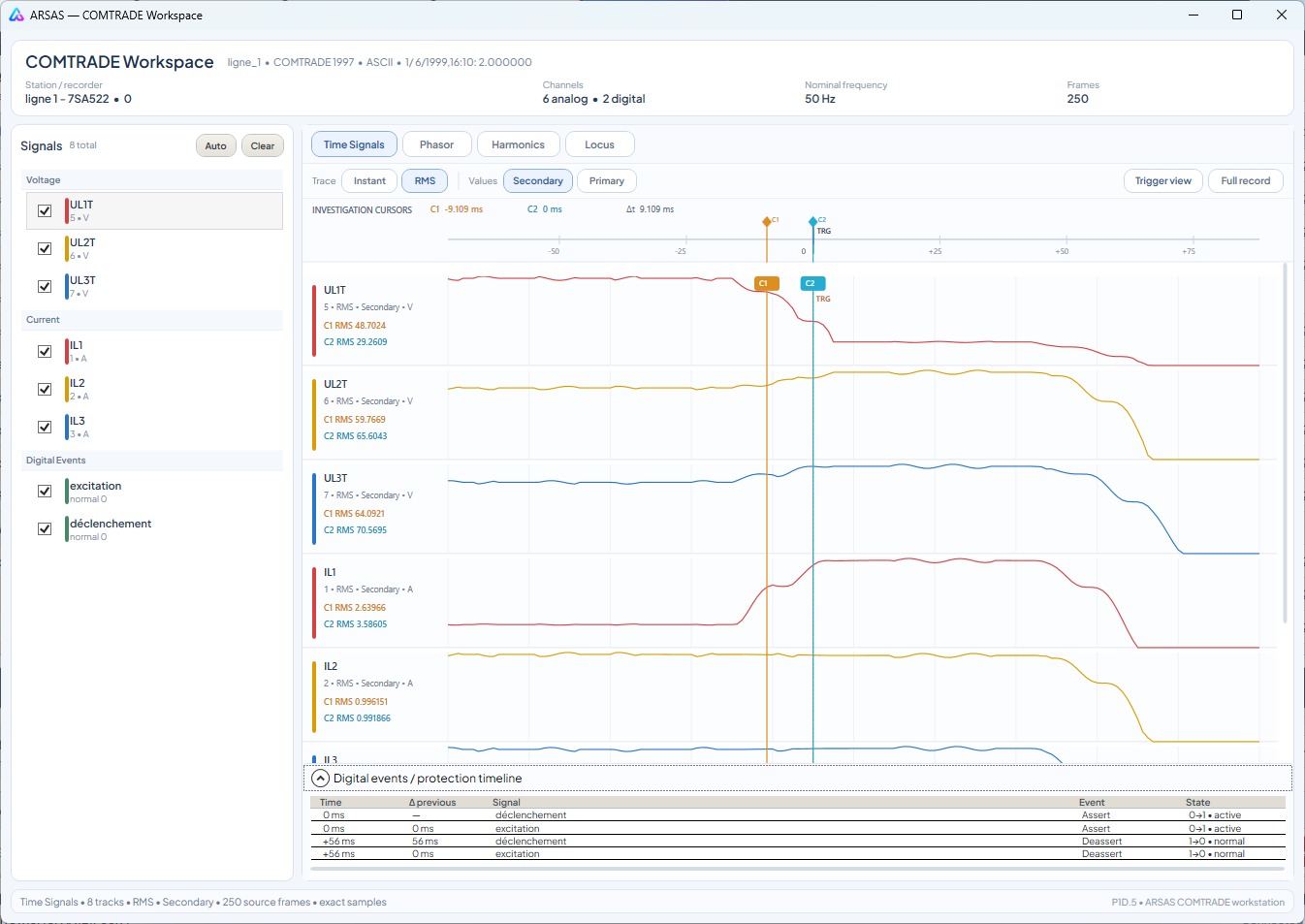
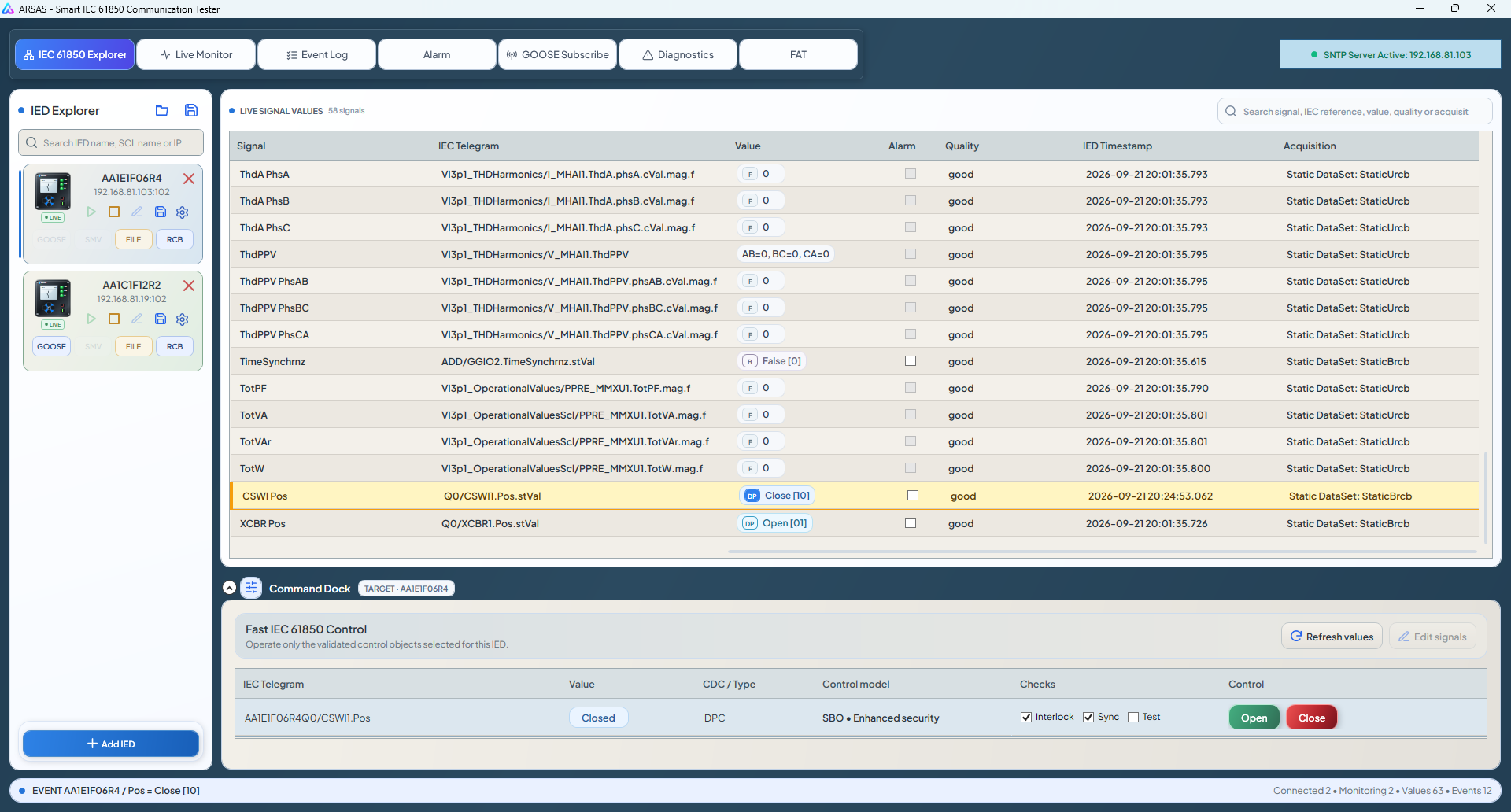
These are current Windows application screenshots showing multi-IED connections, unified live values, SOE, GOOSE supervision, and communication diagnostics.

ARSAS connected simultaneously to multiple IEC 61850 IEDs

01Independent multi-IED connections

Each IED retains its own MMS association, model, monitoring lifecycle, and diagnostic history.

ARSAS unified IEC 61850 live-value viewer

02Unified live-value workspace

Search values from connected IEDs with quality, timestamp, source, and recent-change evidence.

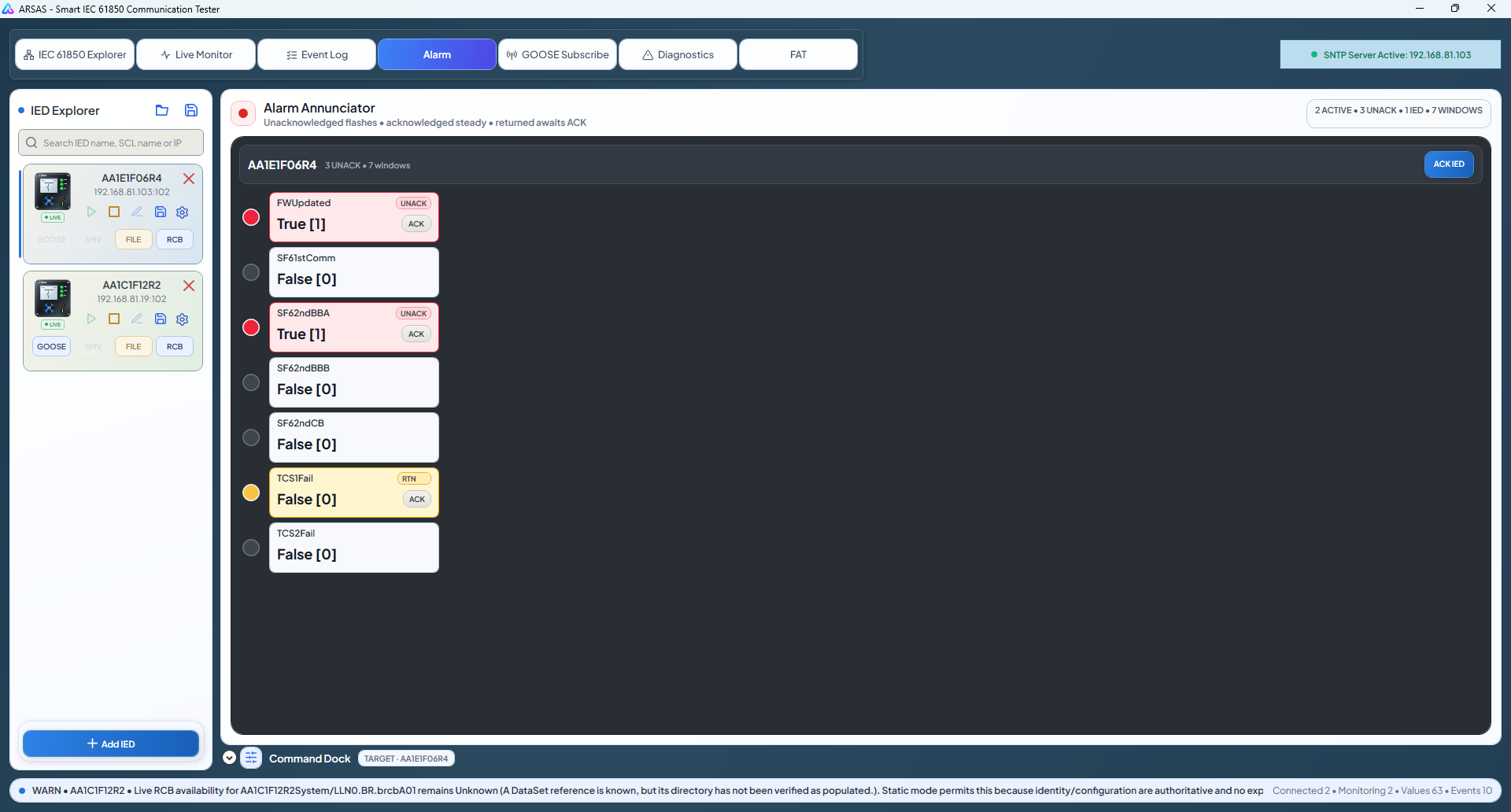
ARSAS IEC 61850 sequence-of-events view

03SCADA-style event log

Correlate semantic changes while retaining the originating IED and process timestamp.

ARSAS detailed GOOSE subscriber and stream supervision

04Detailed GOOSE supervision

Inspect stream identity, sequence, retransmission, TAL, ordered payload, and model binding.

ARSAS communication and frame diagnostics workspace

05Communication diagnostics

Separate network, association, service, report, sequence, and device-behavior problems.

Practical engineering scope

One workspace from endpoint to evidence.

Implemented, preview, and roadmap capabilities remain explicitly labeled.

Available

MMS discovery

Discover the live hierarchy, values, quality, timestamps, DataSets, RCBs, and live type information.

Available

Smart Reporting

Use proven static coverage, recover exact gaps where permitted, and poll only what remains uncovered or unverified.

Available

GOOSE subscriber

Inspect APPID, VLAN, MAC, goCBRef, DataSet, sequence, TAL, payload, and binding evidence.

Available

Fault-record transfer

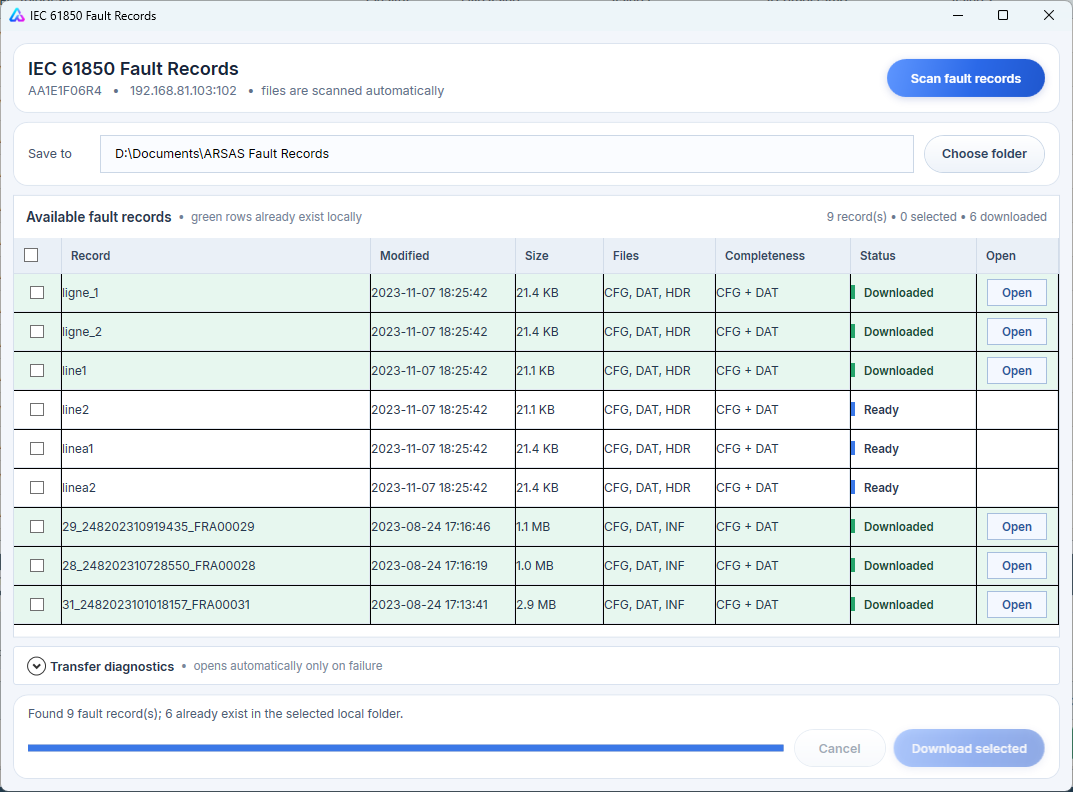
Browse the MMS file service and retrieve disturbance or COMTRADE-related files in the selected IED context.

Available

SCL-assisted workspace

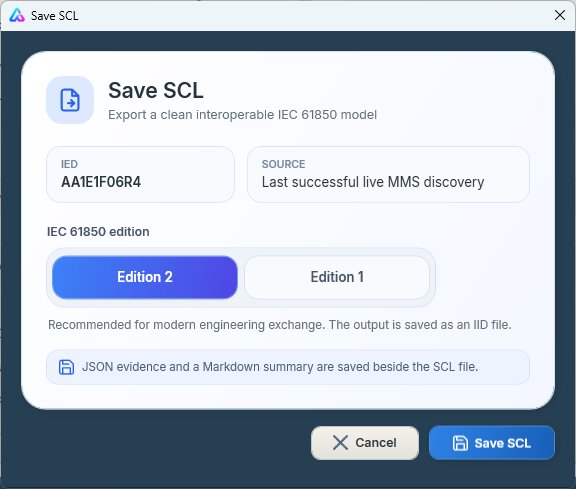
Open common SCL files, retain configured context, compare live behavior, and use Edition-aware export services.

Available

Guarded Smart Control

Resolve ctlModel and live command types before supported Direct or SBO execution.

Available

SOE and diagnostics

Preserve process timestamps, report reasons, sequence evidence, transfer outcomes, and command results.

Engineering preview

Sampled Values

Per-IED SMV entry points and viewer direction while deeper decoding and performance validation continue.

Roadmap

Full SCL generation

Visual authoring for IED, communication, DataSet, report, GOOSE, SMV, and export structures.

Minutes to useful evidence

Connect. Discover. Select. Test.

The workflow stays understandable even when the IED configuration is incomplete or behaves differently from the engineering model.

01

Open SCL or add an IED

Start from configured context or an approved MMS endpoint.

02

Discover the live model

Verify the hierarchy, services, report objects, file capability, and data types.

03

Select the required signals

Choose the process values and control objects needed for the test.

04

Observe and validate

Monitor values, reports, SOE, GOOSE, files, diagnostics, and command completion.

05

Preserve evidence

Keep configured intent, live result, time, quality, source, and diagnostics together.

Open engineering

Start from the real IED—not a chain of setup tools.

Build ARSAS from source, review its capability boundaries, and use it only inside an approved laboratory or commissioning workflow.