
What was engineered or exported
- IED and AccessPoint definitions
- communication addressing
- Logical Device and DataType templates
- DataSets, RCBs and GOOSE intent
- vendor-private engineering context
- project revision and intended target
SCL describes configured engineering intent. Complete live MMS discovery shows what the connected IED currently exposes. ARSAS keeps both visible and provides a bounded recovery path when the source file is stale, incomplete or rejected by the receiving system.
A full-file textual difference can create noise. Focus on physical identity, endpoint, full domain names, object references, DataSet membership, RCB association, GOOSE identity or control model related to the observed problem.
Record filename, owner, revision, intended target and receiving-system expectation before comparing it with live evidence.
Use the approved endpoint and retain physical identity, full MMS hierarchy, DataSets, RCBs, types and association context.
Check the exact object, DataSet, RCB, GOOSE or communication reference required by the failed test.
Repair the controlled source when it remains authoritative, normalize it into bounded single-IED output, or generate IID/ICD from complete live discovery when the source cannot be trusted.
Import the bounded result and preserve exact acceptance or rejection evidence before updating the controlled baseline.
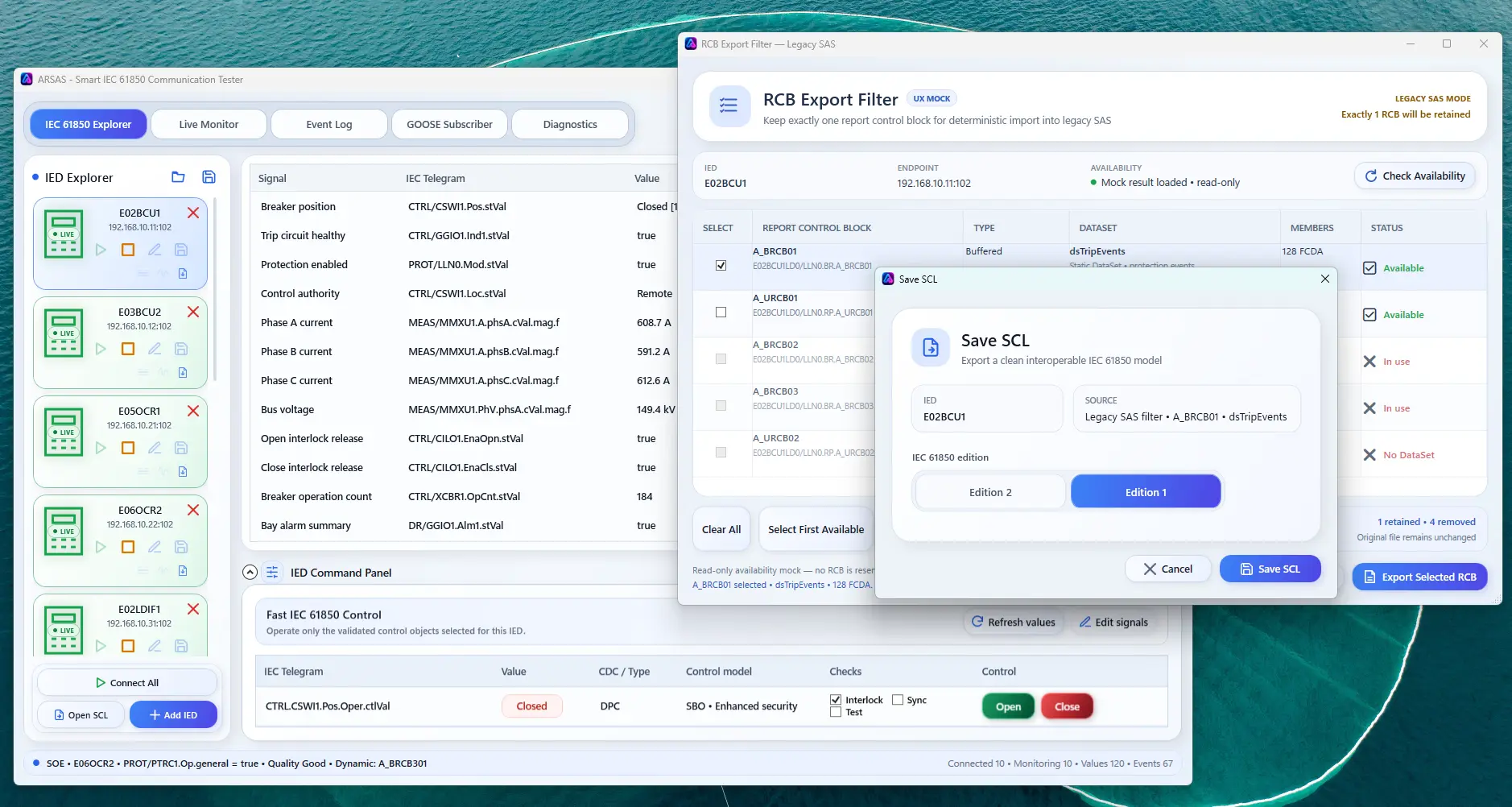
Generate IID or ICD from complete live discovery, normalize opened SCL or retain one verified DataSet and selected RCB context while preserving the original sources.
Use the CID rejection guide for importer errors, Smart Reporting for report mismatch, or the IP-to-SCL workspace for generation and bounded conversion.
ARSAS can expose live model, report, GOOSE, file, control and diagnostic evidence. Final conclusions still depend on the approved project design, vendor documentation, test procedure, network access and independent verification.
Reviewed 20 July 2026 for practical IEC 61850 laboratory, FAT, SAT, commissioning and troubleshooting use.
Installer and portable packages share the same application scope. Verify the published SHA-256 and review the release boundary before field use.
Release notes, limitations and signing status →