
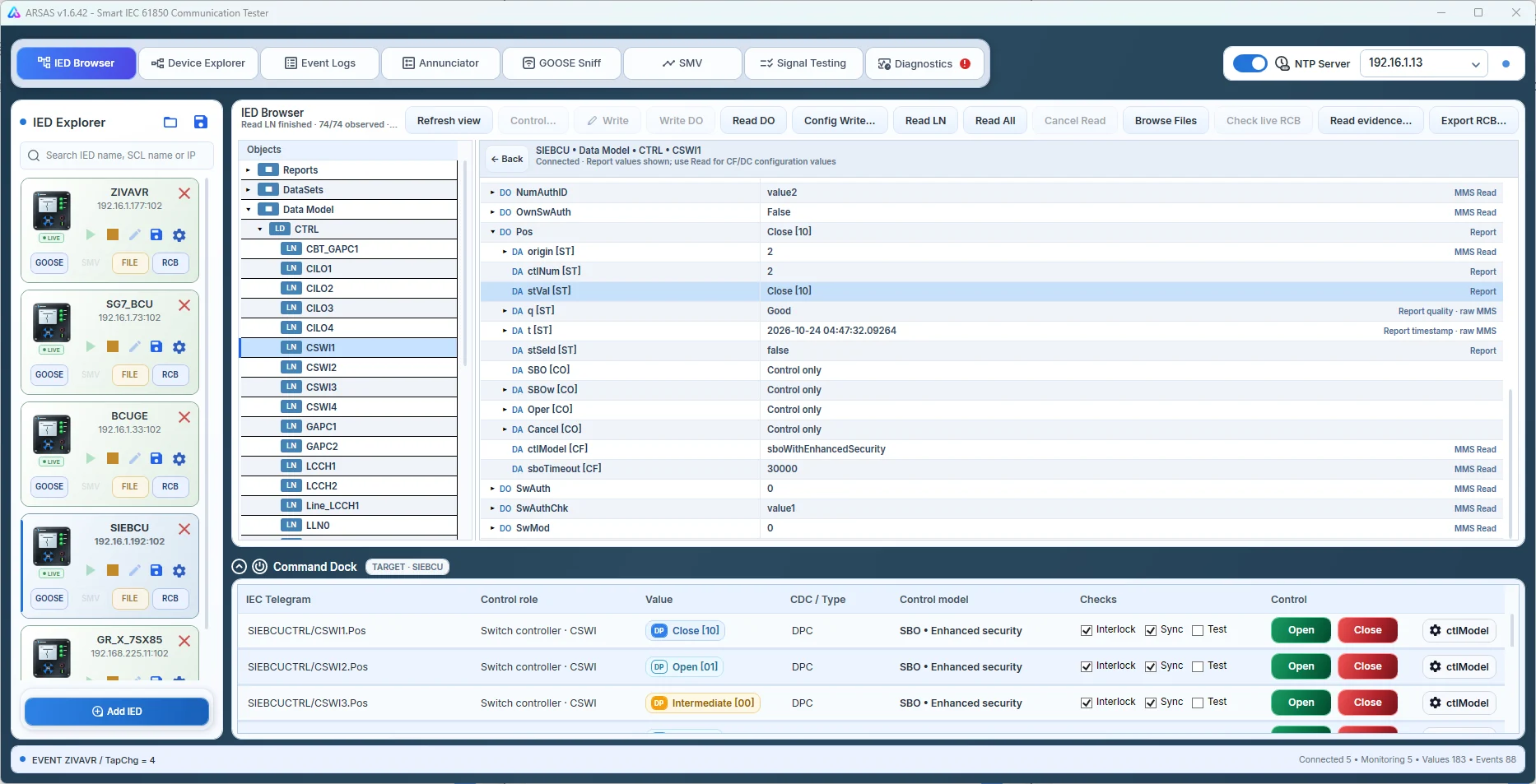
01Add the IED
Open Add IED in Device Explorer.
Select Device Explorer, then click Add IED in the left rail. In v1.6.42 the Connect to IED dialog opens directly. SCL files are handled separately by the SCL import workspace.
ARSAS is a Windows IEC 61850 tester. Connect a relay by IP on an authorized test network, or open an SCL engineering file—ICD, CID, IID or SCD—to inspect the configured model offline.
All screenshots show the actual v1.6.42 application. Step 2 is cropped from the operator-provided Connect to IED screenshot.
Select Device Explorer, then click Add IED in the left rail. In v1.6.42 the Connect to IED dialog opens directly. SCL files are handled separately by the SCL import workspace.
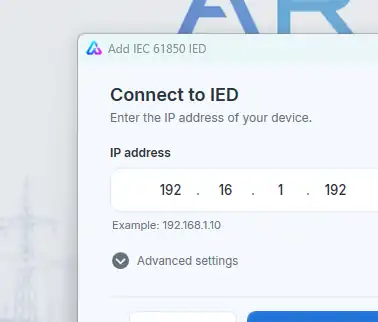
Enter the address in the four-octet IP field, then select Connect. Open Advanced settings only if connection details such as the default MMS port 102 need changing. ARSAS attempts IED connection and discovery.
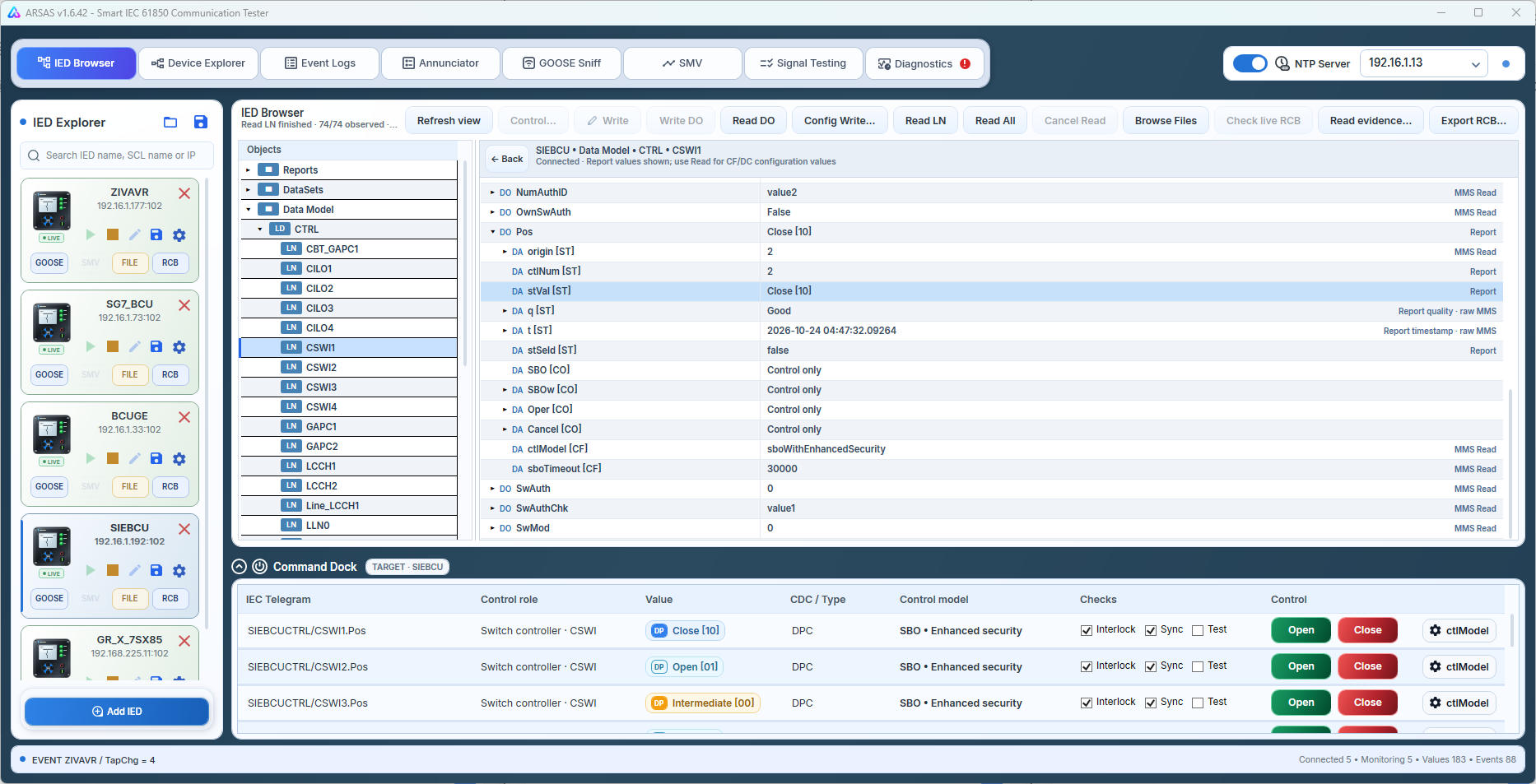
Choose Static DataSet for a fast report-ready path, or Select Signals for manual selection. Review value, quality and timestamp in Live Monitor. Use the Command Dock only for validated control objects under an approved test procedure.
The three-step path above is the beginner success path. Use this deeper checklist before FAT, GOOSE, SMV, file transfer or active control in field work.
Download the installer or portable single EXE, compare SHA-256, and review the unsigned Authenticode status. SmartScreen may show an unrecognized publisher warning.
Use only the authorized laboratory, FAT, SAT or commissioning network. TCP port 102 is required for ordinary MMS. Npcap is required for raw-Ethernet GOOSE and SMV capture.
Select Engineering to add or inspect an IED, or IO List FAT to import the legacy sheet, Rev.3 workbook or portable project. Once FAT is loaded, switching back and forth uses hide/show without another file dialog.
In Engineering, inspect IED, reference, value, quality, timestamp and acquisition source together. In Rev.3 FAT, preserve the exact Event Log Search Reference and keep the readable Report Display Reference separate.
For IO FAT, obtain a good OFF baseline and capture a new OFF → ON → OFF sequence. For live Engineering, begin with a known read-only point and identify whether its acquisition source is reporting or polling before expanding to files or guarded control.
GOOSE resolves the routed capture adapter and starts receive-only capture when unique. SMV opens the selected IED context and captures a bounded two-cycle raw waveform. Manual adapter selection remains the safe fallback.
Retain exact diagnostics. Stop and seal the FAT session before exporting Excel, executive PDF or .arsas. Do not perform active control or configuration work without explicit procedure and authority.
A successful observation proves the selected path produced the displayed evidence under the recorded conditions. It does not prove protection performance, all IEC 61850 services, time synchronization, calibrated measurement or conformance certification.
Installer and portable packages share the same application scope. Verify the published SHA-256 and review the release boundary before field use.
Release notes, limitations and signing status →