 AR Fast SNTP
Free & open-source SNTP app
Time sync made simple.
Install the app. Enter your NTP/SNTP server IP address. Done. AR Fast SNTP synchronizes your computer clock and shows you what’s happening — without editing NTP configuration files.
Latest Windows release · Free & open source · View source on GitHub
Get started
Three steps. No complicated configuration.
Install AR Fast SNTP
Download and install the Windows desktop app.
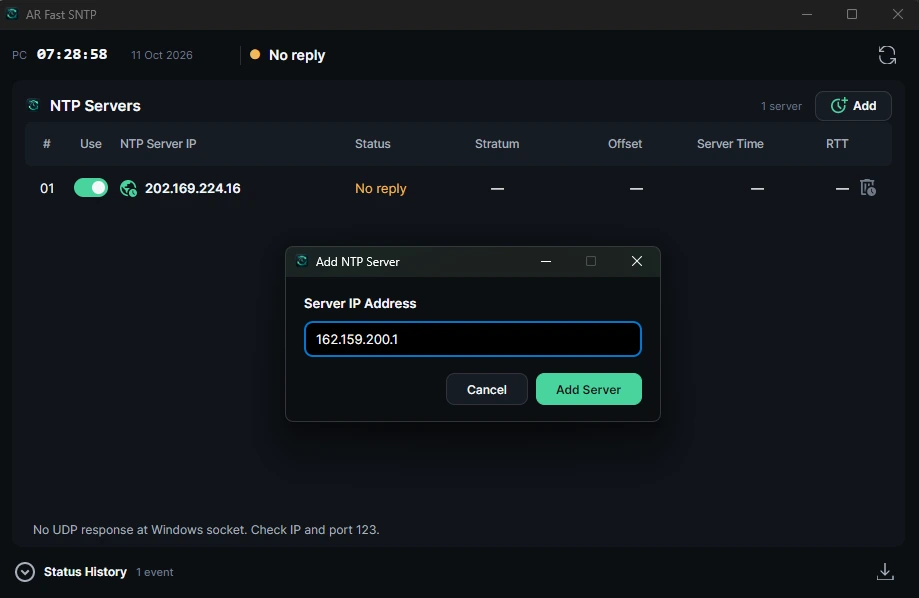
Enter your server IP
Use your GPS/NTP server address or another trusted SNTP server.
Watch it sync
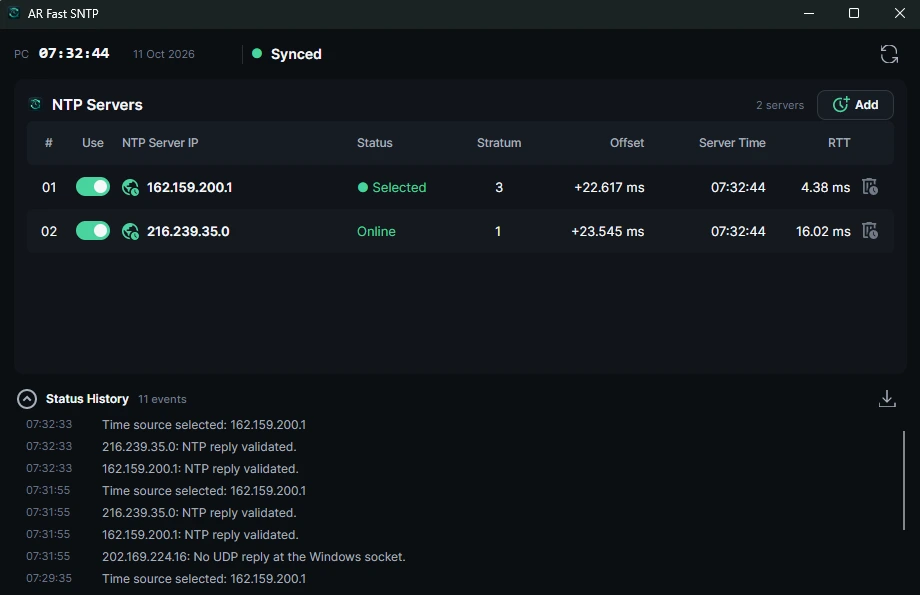
Check the selected server, clock status, and response time.
New to NTP? Follow the beginner's quick start.
The real Windows application
See your time synchronization at a glance.
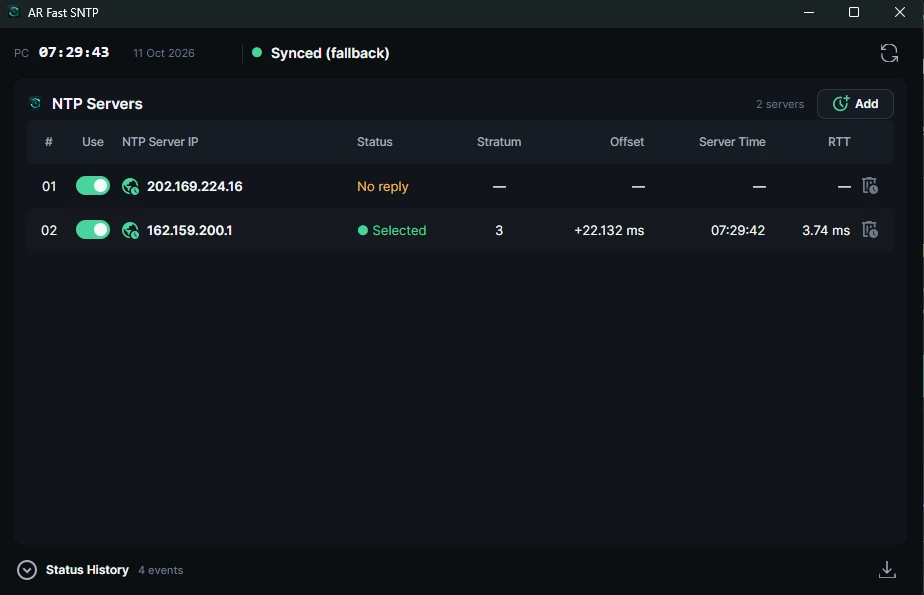
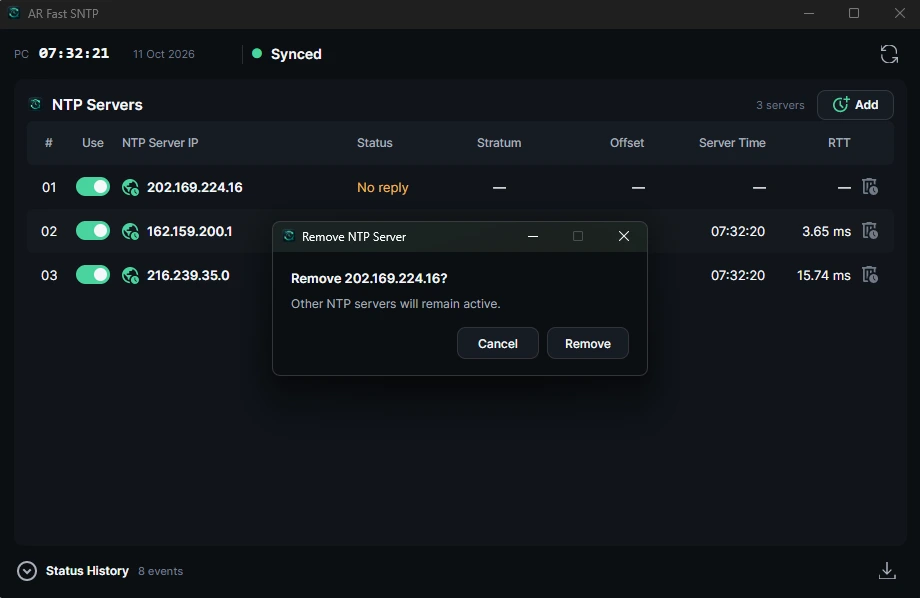
These are real screenshots from the Windows app. Click any image to view the full size.
Made for everyday engineering work
More than one time server
Manage up to 16 IPv4 time servers and choose which ones to use.
Syncs in the background
Keep synchronization running after you close the app window. Server settings stay saved.
Status you can understand
See the selected server, clock offset, response time, and recent events.
In tests on four Windows industrial HMI computers, time correction was observed in around one second, with recovery after reconnecting LAN in approximately six seconds. Actual timing depends on the network and server.
Choose your platform. Windows download & setup · Linux x64 beta · Help and troubleshooting. Use a PC where you are permitted to change system time.