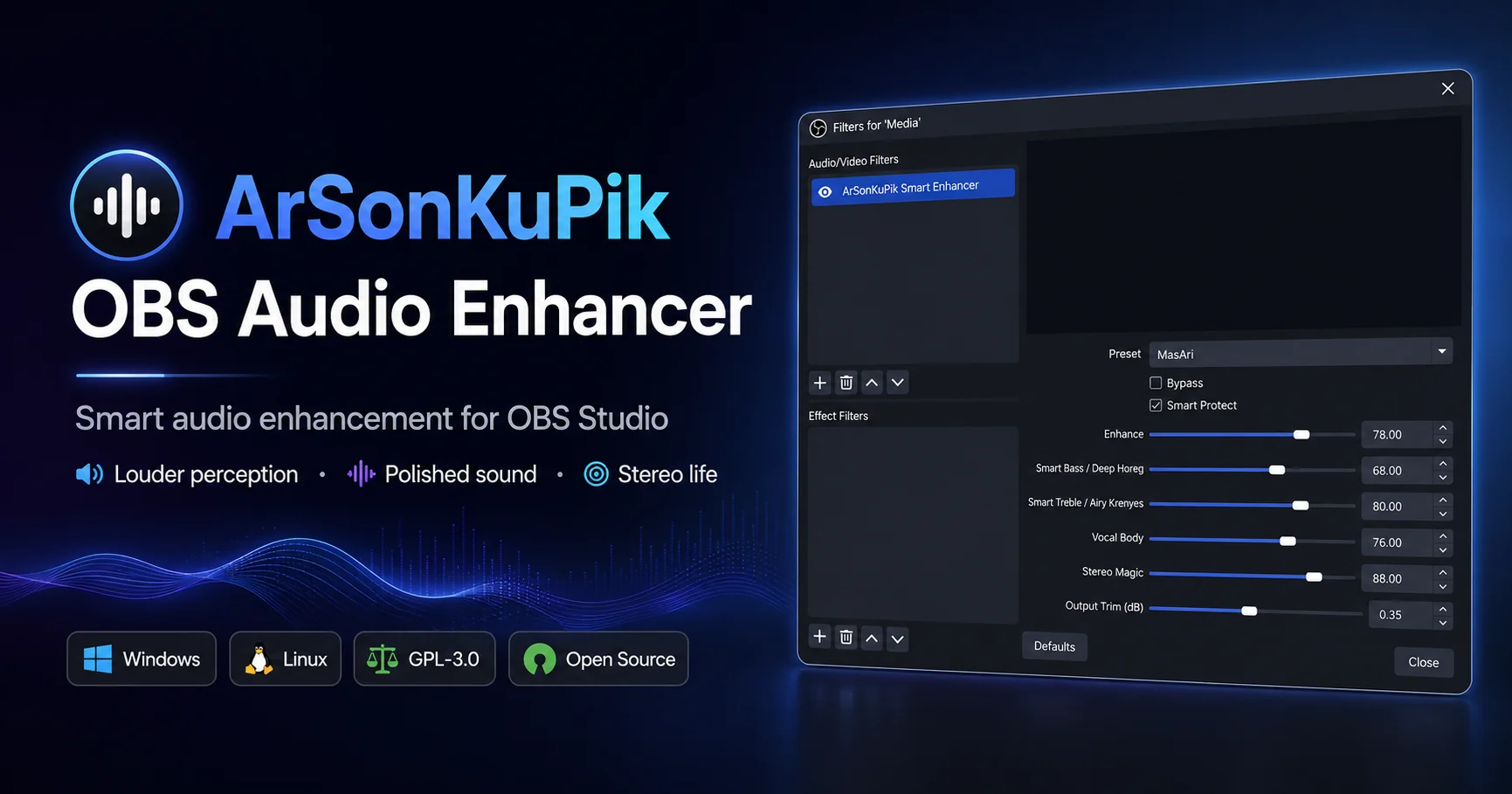
Official release packages · v0.4.15

Download ArSonKuPik for OBS Studio

Choose the installation format that matches your workflow. Official releases are built after DSP validation, use a pinned OBS dependency, and include SHA-256 checksums plus build metadata.

Windows portable ZIP

Use the manual package when you want direct control over the files copied into the OBS plugin directory.

  • No installer workflow
  • Useful for manual deployment
  • ProgramData-ready package tree
Download latest `.zip`

Linux archive

Extract the release archive and copy its package contents into the OBS plugin location used by your distribution.

  • Manual archive deployment
  • Built through the validated Linux workflow
  • Intended for supported x64 setups
Download latest `.tar.gz`
Release integrity

Verify what you downloaded

Each tagged release includes SHA256SUMS.txt and BUILD-METADATA.txt. The checksum file detects accidental corruption or a modified download; the metadata file records the source commit and pinned OBS Studio dependency used for the build.

  1. 1
    Download from GitHub Releases

    Use only assets attached to the official repository release.

  2. 2
    Download SHA256SUMS.txt

    Compare the published hash with the file on your computer before installation.

  3. 3
    Review build metadata

    Confirm the release tag, source commit, and OBS dependency when auditing a deployment.

Windows PowerShell

Get-FileHash .\ArSonKuPik-OBS-Audio-Enhancer-Setup-vX.Y.Z.exe -Algorithm SHA256

Linux

sha256sum -c SHA256SUMS.txt

Checksums provide integrity verification; they are not operating-system code signing.

Windows installation

Installer steps

  1. 1
    Close OBS Studio

    Prevent locked files and ensure the plugin is loaded cleanly on the next start.

  2. 2
    Run the setup executable

    Use the latest ArSonKuPik-OBS-Audio-Enhancer-Setup-vX.Y.Z.exe release asset.

  3. 3
    Restart OBS

    Add ArSonKuPik Smart Enhancer from the audio source Filters panel.

Manual Windows path

For the portable ZIP, copy the packaged plugin folder into:

C:\ProgramData\obs-studio\plugins\

The final plugin directory should be named arsonkupik-obs-audio-enhancer.

Audio channel scope

Stereo/front-LR processing

ArSonKuPik processes the front-left and front-right pair. Additional channels on multichannel sources are passed through unchanged until a linked multichannel design is implemented and validated.

Front L/RReceives the complete enhancement, dynamics, width, gain, and limiter chain
Center, LFE, surroundPassed through unchanged to preserve the original multichannel data
Before reporting a problem

Confirm the basics

Use a current release, restart OBS after installation, and verify that the filter appears on the intended audio source. Reports are most useful when they include the exact preset, slider values, OBS version, operating system, sample rate, channel layout, and reproducible steps.

Release notesReview changes and known behavior for the installed versionBrowse notes →
Support guideSee the information required for a useful reportOpen support guide →
Issue trackerUse the structured bug or audio-quality report formCreate a report →
Support developmentUse the single verified page for global and Indonesian project supportOpen support page →